Cursor 3 vs Claude Code vs Windsurf: Best AI Tool in 2026
Real comparison of Cursor 3.1, Claude Code, and Windsurf 2.0.67. Async subagents, architectural reasoning, and Cascade — which AI coding tool fits which task.
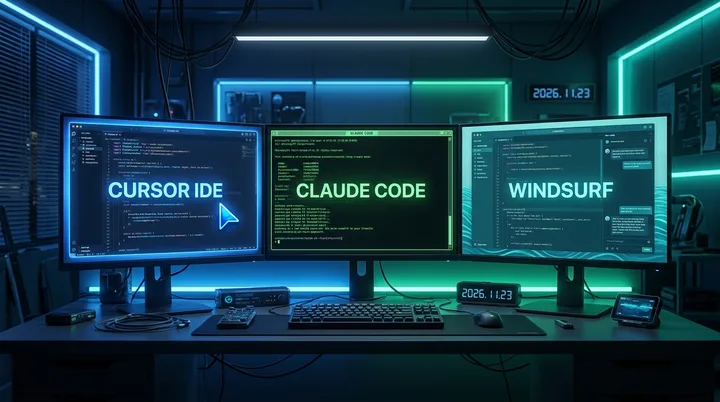
“Are you using Cursor? Claude Code? What about Windsurf?” It’s one of the most common questions in developer communities right now.
I’ve used all three. Daily coding, blog automation, complex refactors. Honestly, I started out thinking “just pick the most popular one, right?” Then I actually used them. They’re completely different tools. The only thing they share is “AI helps with code” — their philosophies, usage patterns, cost structures, and ideal tasks are all different.
Here’s where things stand as of April 26, 2026, based on what I actually experienced using each one — not a spec sheet.
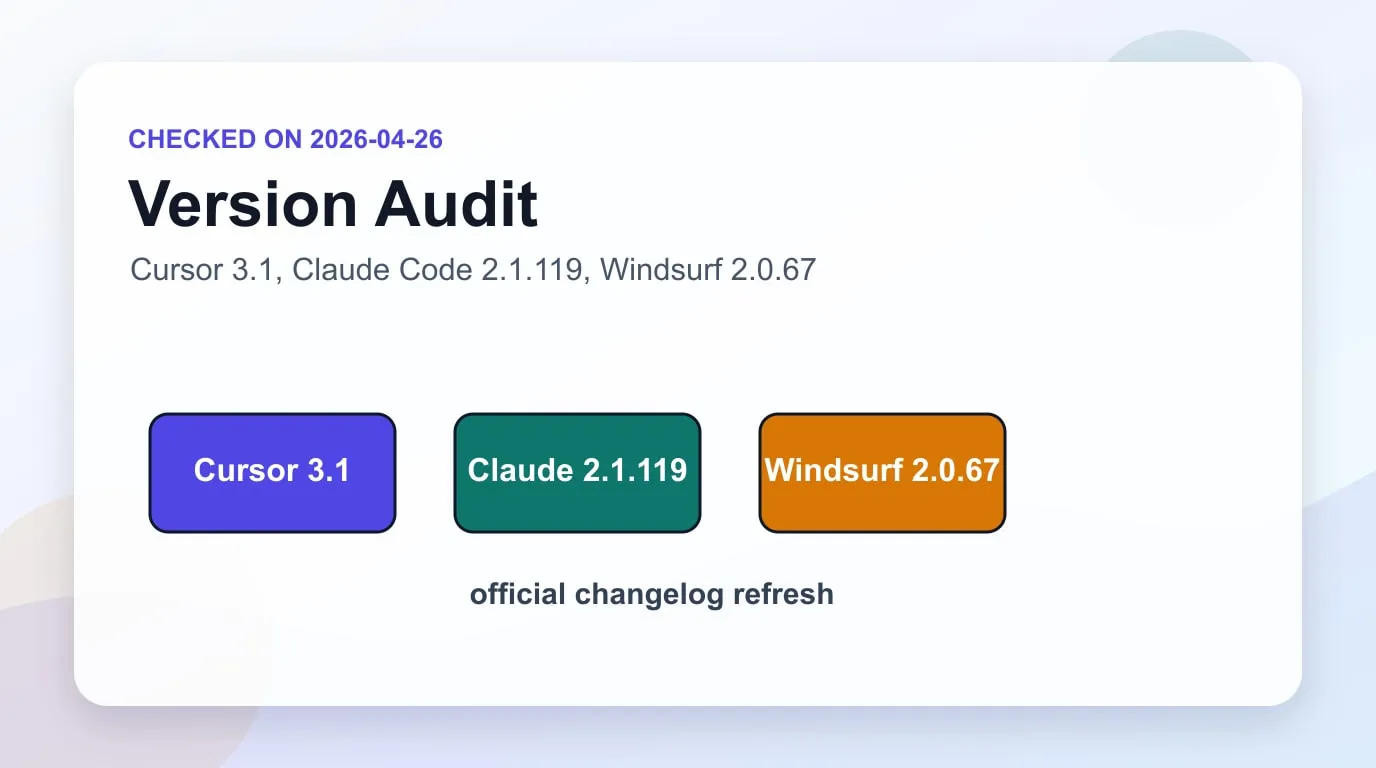
Freshness check: I revised this post after rechecking the official Cursor changelog, Claude Code changelog, and Windsurf changelog. I treat Cursor as the 3.1 generation with mid-April feature updates, Claude Code as the 2.1.119 line, and Windsurf as the 2.0.67 line with GPT-5.5 support.
Three Tools, Three Different Philosophies
Before comparing features, you need to understand each tool’s core bet. Without knowing the philosophy behind a tool, a feature table is meaningless.
Cursor’s bet: “Developers don’t want to change how they work. Blend the AI into that existing workflow.”
Something interesting happened when Cursor 3 launched. The New Stack described the release as “The IDE is now a fallback, not the default.” The IDE is no longer the center — it’s where you go back when the agent can’t handle something. As of April 26, 2026, the official changelog points to the 3.1 generation and mid-April updates as the current line.
Claude Code’s bet: “You don’t need an IDE. You just need an AI that genuinely understands your codebase.”
Claude Code isn’t an IDE. It’s a terminal-based CLI agent. It reads files, edits them, runs commands. Powerful for developers comfortable in a shell. Unfamiliar at first for people who default to GUIs. As of April 26, 2026, the newest official changelog item is 2.1.119.
Windsurf’s bet: “Erase the boundary between developer and AI. The AI isn’t a tool you invoke — it’s a collaborator.”
Cascade is the centerpiece. It remembers codebase context and executes multi-step tasks autonomously. Arena Mode is the signature differentiator: give two models the same task, compare their responses side by side, pick one. The vibe coding tool of choice. As of April 26, 2026, Windsurf has moved through the 2.0.67 line and added GPT-5.5 support.
All three say “AI helps you code.” In practice, they’re pointed in completely different directions.
Cursor 3.1 — The IDE That Handed Its Throne to Agents
The first thing that impressed me about Cursor was tab autocomplete. The accuracy when it fills in the second half of what you’re typing is genuinely a notch above anything else. I still say that.
The headline feature of the Cursor 3.1 generation is async subagents. You can spin up agents on separate tasks while you focus on the hard problem. The old version had you waiting while an agent worked. Now actual multitasking is possible.
Bugbot got an upgrade too. It’s not just a PR review tool anymore — it learns from feedback and improves over time. MCP support landed as well. And Design Mode is new: click a UI element, describe a change in natural language, and the agent implements it.
There’s Composer 2, Cursor’s own frontier coding model, with high usage limits. The catch: Cursor hasn’t published a direct performance comparison against top external models like Claude Opus 4.x or GPT-5.x, so it’s hard to know exactly where it stands.
Pricing is $20/month for Pro, which includes multi-repo layout and seamless cloud/local agent switching.
One honest complaint: Cursor 3’s pivot to “agent-first” has confused a lot of existing users who feel like they’re using a different product. That’s a common growing pain when a product changes fast, and Cursor is squarely in that transition right now.
There’s also the model transparency issue. Cursor hasn’t published what Composer 2 is trained on or how it benchmarks against external models. If you’re working with sensitive code under strict security policies, the “your code goes to our servers” aspect warrants a check of your organization’s data handling policies before you commit.
Where Cursor genuinely shines is team environments. Bugbot accumulates feedback from the team’s PR history and gets smarter about what the team cares about. For a 5-person team, that compounding learning effect is real value. For a solo developer, it’s much less important.
Claude Code 2.1 — The Architect in Your Terminal
This article itself was written by Claude Code. The automation workflow that runs this blog — post generation, internal link insertion, multi-language translation, build verification — it’s all built on Claude Code.
So I have more to say about this one than the others.
The biggest change in Claude Code 2.1 as of April 2026 is the move to a native CLI binary. Dropping the bundled JavaScript in favor of native noticeably improved startup speed. Ultraplan was added too: draft a plan in the cloud, review it in a web editor, then execute locally or remotely. Useful for complex, large-scale work that benefits from distributed execution.
The Monitor tool is new — it streams background process output in real time. Being able to watch build logs while moving on to the next task is the kind of quality-of-life improvement that sounds small and isn’t.
The feature I use most is /loop. It self-paces repeated tasks without a fixed interval. Combining it with Claude Code’s Git Worktree for parallel sessions makes multi-repo work genuinely manageable.
The biggest differentiator: Claude Code understands the whole codebase. It’s not reading a few files — it’s reading the entire repo structure and making architectural-level decisions. For a practical operating pattern, pair it with Git Worktree parallel sessions and the Claude Code routines guide. In SWE-bench (real software engineering task benchmarks), Claude Code with Claude Opus 4.x is at the top. “Benchmarks don’t match real work” is a fair skepticism, but in my own experience, Claude Code’s architectural decisions on complex refactors are consistently better than the alternatives.
The downsides are clear. No UI. Open a terminal, type a prompt, read text output. The learning curve is real. No autocomplete either — direct file editing still happens in your editor, not in Claude Code.
Cost is a factor. Claude Pro ($20/month) gets you in, but heavy users will see API costs on top of that. Light usage stays reasonable at $20 + $10–15 in API fees, but running an automated workflow like this blog’s post pipeline can push it to $20 + $50/month easily. Know that going in.
Claude Code’s real power is the Hooks and Skills system. I run hooks that fire a Telegram notification when a post finishes building, and automatically analyze build failures when they occur. No complex scripting needed — you tell Claude Code “when the build finishes, do this.” The combination of /loop for repeating tasks and Monitor for live log streaming is a workflow pattern that’s difficult to replicate equivalently in Cursor or Windsurf.
On security: Claude Code runs locally, and code travels only to the Anthropic API. With proper API key management, it’s the most straightforward option for sensitive codebases.
Windsurf 2.0 — The AI-Native Editor That Prioritizes Speed
Using Windsurf the first time, I finally understood what “vibe coding” meant. Code just happens faster. Cascade remembers what you’ve been working on and runs multi-step tasks autonomously.
Arena Mode is the most original feature. Same prompt to two models, responses side by side, you pick one. The data from Windsurf Arena Mode showed something interesting: developers weight speed over accuracy by more than 2:1 when evaluating AI coding tools.
Windsurf 2.0 added Devin integration. Manage local Cascade sessions and cloud Devin sessions from a single Kanban-style dashboard. Useful when running agents at the team level.
Claude Opus 4.5 is available at Sonnet pricing for a limited period — the breadth of model choice is one of Windsurf’s genuine advantages.
Honest gripe: Windsurf is excellent at producing code that works fast. When legacy accumulates, Cascade starts losing the thread. The tool’s speed-first design means code quality tends to plateau at “it runs.” Running a production codebase on Windsurf alone for months feels premature to me.
Pricing changed in March 2026 from credit-based to quota-based, with Pro going from $15 to $20/month. Max plan is $200/month.
Worth noting: Windsurf shipped 14 “Wave” releases through 2025–2026, each adding substantial features — Arena Mode, parallel agents, browser integration, voice commands. That cadence signals a team moving fast and committed to the product. But here’s the irony: the same speed-first philosophy that makes Windsurf’s feature development impressive also shapes how the AI writes your code. Code written quickly by Cascade tends to plateau at “works today.” Six months from now, when you’re debugging something Cascade wrote, that context the agent “remembered” will be long gone.
What a Real Day Actually Looks Like
More useful than a spec table is knowing what each tool looks like in daily use. Here’s how they fit into my actual workflow.
Claude Code as the primary:
I open a terminal in the morning and Claude Code shows the state of yesterday’s work. /recap surfaces the session summary; I continue from there. Writing a new post means running /loop through a write → translate → internal-link-insert → build-verify cycle. While the build runs, Monitor streams the logs live. If something breaks, a hook fires a Telegram notification and Claude Code suggests the fix.
In this flow, I rarely need to open a GUI editor. I open VSCode only when directly editing a component layout or reviewing file structure. That’s the only reason Cursor stays installed.
Cursor as the secondary:
I open Cursor when writing new components or making quick edits. The tab autocomplete model predicts the repeated pattern correctly, especially for Tailwind class chains and TypeScript types where the next few tokens are structurally predictable. The feel is different from everything else for this kind of work.
But when I need a refactor or an architectural change, I close Cursor and go back to Claude Code. The biggest divergence between the two is “redesign this component to fit the repo’s architecture” — Claude Code’s output reads like a senior engineer reviewed it.
Windsurf’s role:
Windsurf comes out when I need to validate an idea fast. “Does this approach actually work?” in under 20 minutes. Arena Mode is useful here for comparing two model outputs side by side before committing. Cascade holds context well for the first hour or two.
Once the prototype needs to become production code, I move it into Claude Code and redesign the structure. Windsurf-generated code taken straight to production costs more time in debugging later than it saved at the start.
Feature and Pricing Comparison
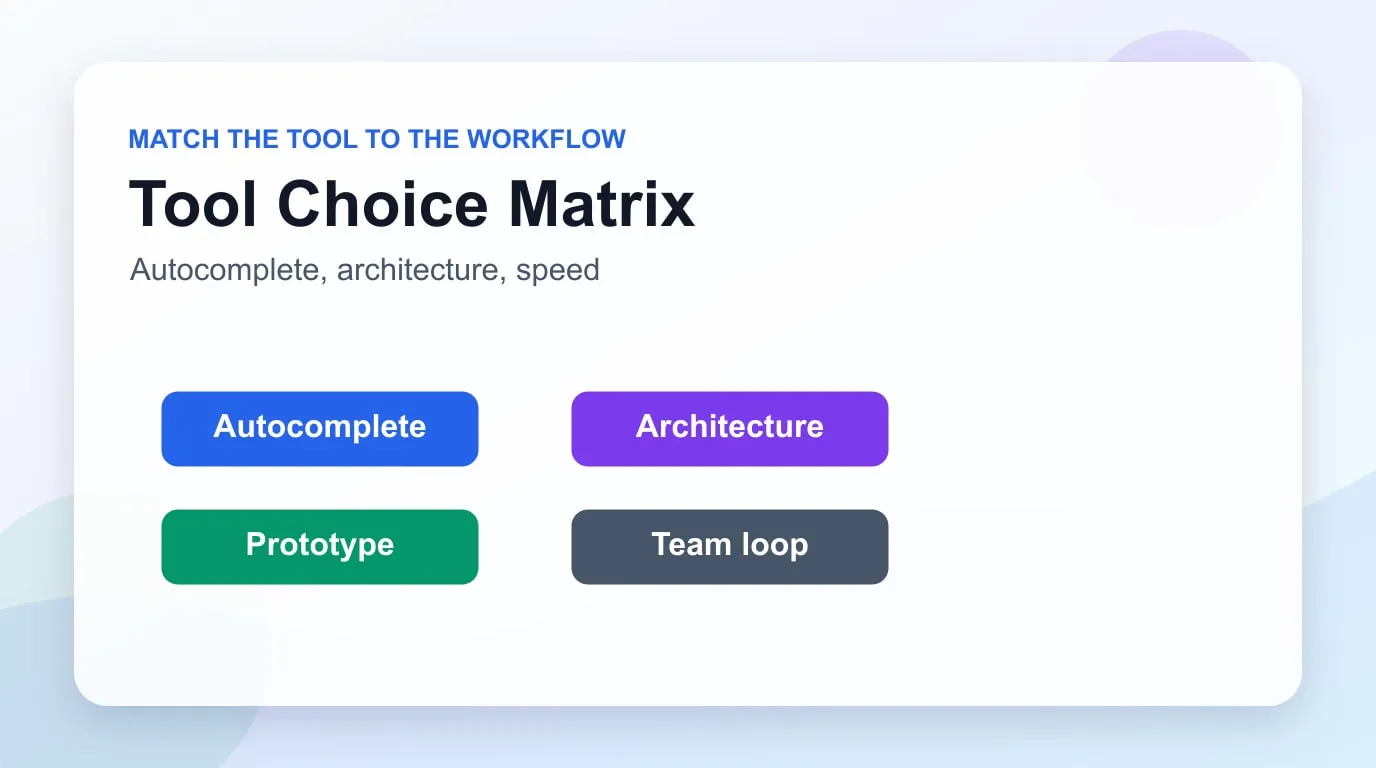
| Cursor 3.1 | Claude Code 2.1.119 | Windsurf 2.0.67 | |
|---|---|---|---|
| Interface | GUI (IDE) | Terminal CLI | GUI (IDE) |
| Inline autocomplete | ⭐⭐⭐⭐⭐ best-in-class | None | ⭐⭐⭐⭐ |
| Architectural reasoning | ⭐⭐⭐ | ⭐⭐⭐⭐⭐ | ⭐⭐⭐ |
| Multi-repo | ✅ (native) | ✅ (Worktree combo) | ⚠️ (limited) |
| Async agents | ✅ (subagents) | ✅ (loop/hooks) | ✅ (Devin integration) |
| Model choice | Composer 2 + some | Latest Claude | Wide (Arena Mode) |
| SWE-bench performance | Middle | Top | Middle |
| Pro price | $20/month | $20/month (Claude Pro) | $20/month |
| Top tier | Undisclosed | API usage-based | $200/month Max |
| Core strength | Tab autocomplete, teams | Complex refactors, automation | Fast prototyping |
When to Use Which Tool
If the feature table still leaves you asking “so what do I pick?”, these scenarios are more useful.
Choose Cursor 3.1 when:
- More than half your coding time is direct file editing and autocomplete matters
- You work in a team environment with multiple repos in play simultaneously
- You need PR review automation (Bugbot) integrated with CI
- Opening an IDE feels more natural than opening a terminal
Choose Claude Code when:
- You need to understand and refactor an entire codebase at the architectural level
- You want to build custom workflows using Hooks, Skills, and Subagents
- You’re already using Claude as your primary AI and context continuity matters
- You want AI integrated with build, test, and deploy pipelines
- Code quality and long-term maintainability matter more than iteration speed
Choose Windsurf when:
- You need an MVP or prototype shipped fast
- You want to compare multiple models on the same task before committing
- You’re in early-stage exploratory development where rapid iteration is the priority
- Your team is adopting AI agents but hasn’t decided on a model yet
In practice, a lot of developers use two. Cursor’s autocomplete plus Claude Code’s refactoring capability is the most common combination. That runs $40〜$60/month, but the logic is using each tool where it’s strongest.
Solo developer vs. team context matters more than most comparison guides admit. Solo: Claude Code gives you the most customization headroom. You define the workflow for your codebase and no one else’s preferences interfere. Team of five or more: Cursor’s Bugbot and multi-repo features apply consistently across the team without per-person configuration. Windsurf’s agent dashboard has the best visibility at team scale.
Realistic cost breakdown: all three Pro plans are $20/month. But Claude Code adds API usage on top. Budget $30–70/month total depending on how heavily you use it, and know that heavy automation workflows will land at the higher end.
My Conclusion — After Using All Three
I’ll be straight: I’m running Claude Code as my primary tool. Blog automation, multi-language post generation, code review — all Claude Code workflows. The tipping point was that it understands architecture and produces code that holds up over time. When I went through Claude Code’s best practices the first time, it became clear this wasn’t just a coding assistant but something closer to a design partner.
That doesn’t mean I dropped Cursor. Tab autocomplete is still Cursor’s game. The feel of rapid, surgical edits is different from anything else.
Windsurf is overhyped, in my opinion. Arena Mode is genuinely clever and Cascade’s speed is real. But “fast” has translated to technical debt faster than I’d like in my experience. If you need something working to show investors next week, Windsurf is the right call. If you’re building something you’ll maintain for six months, I’d reconsider.
All three tools look nothing like they did six months ago. This comparison will be outdated too. The one piece of advice that will stay valid: try the free tier or trial with your actual codebase, not someone else’s demo. That’s the only test that matters.
One last thing worth saying: choosing one of these tools doesn’t mean abandoning the other two. These tools aren’t at the stage where one handles everything well. I run Claude Code as my primary, use Cursor for file editing, and occasionally spin up Windsurf for quick prototypes. Understanding what each tool is actually good at gives you the instinct to reach for the right one. That’s what effective AI-assisted development looks like in 2026. For broader agent tool selection, continue with the Python AI agent library comparison and the MCP vs A2A vs Open Responses protocol comparison.
Read in Other Languages
Related Articles
-
Tailwind CSS 75% Layoffs: Open Source in the AI Era
Covers similar topics in AI/ML with comparable difficulty.
-
Gemini 3.1 Pro Release — Performance Analysis and Claude Comparison
Covers similar topics in AI/ML with comparable difficulty.
-
Windsurf Arena Mode Results — Developers Prefer Speed Over Accuracy
Covers similar topics in AI/ML with comparable difficulty.