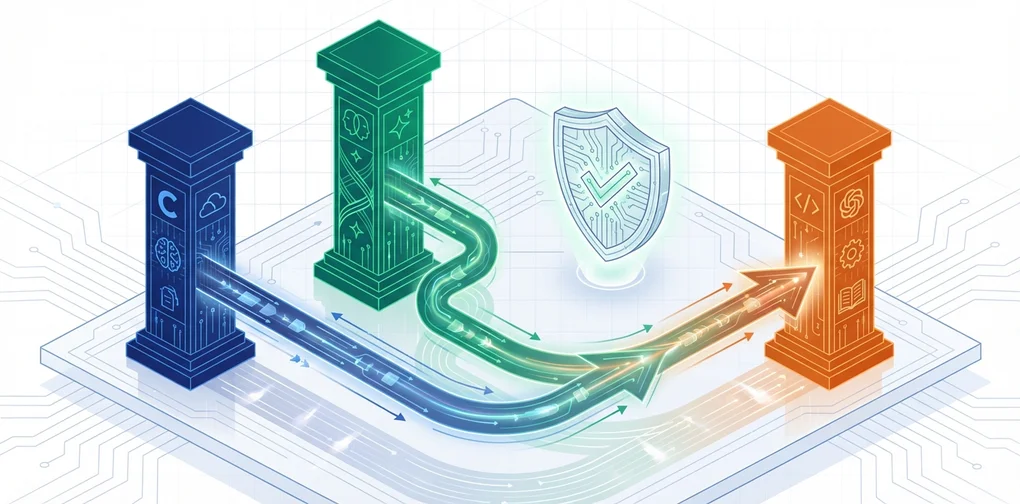
Switching OpenClaw to OpenAI Codex — A Practical Guide After the Claude/Gemini ToS Confusion
OpenClaw migration guide: switch from Claude/Gemini OAuth to OpenAI Codex in 15 minutes. Covers backup, model config, per-agent settings, provider layer strategy, and cost comparison.
What Triggered This
In early 2026, Anthropic (Claude) and Google (Gemini) updated their Terms of Service. The key question: can you use subscription plan (Pro/Max) OAuth with third-party tools like OpenClaw?
Many OpenClaw users had been connecting Claude Pro or Gemini Advanced via OAuth to run their agents. After the ToS changes, uncertainty spread — “Is this still okay?” — and the community began searching for alternatives.
The short answer: OpenAI’s ChatGPT Plus/Pro subscription includes Codex OAuth, which explicitly permits third-party integration. This guide walks through the actual migration process and what to watch out for.
Before You Switch
Check three things before jumping in.
- Prompt compatibility: Claude and GPT-5.x-Codex respond differently to the same prompts. Expect to spend a few days tuning
SOUL.mdandAGENTS.md - Different strengths: Codex excels at code generation and tool use. For natural prose — essays, social posts — Claude consistently gets higher marks from the community
- The API key option: If you want to keep Claude, the API key approach (
console.anthropic.com) is still fully legal. Just be aware that running Opus agent loops can easily exceed $100/month. See AI Agent Cost vs Human Labor: A Real-World Analysis for a detailed breakdown of operating costs
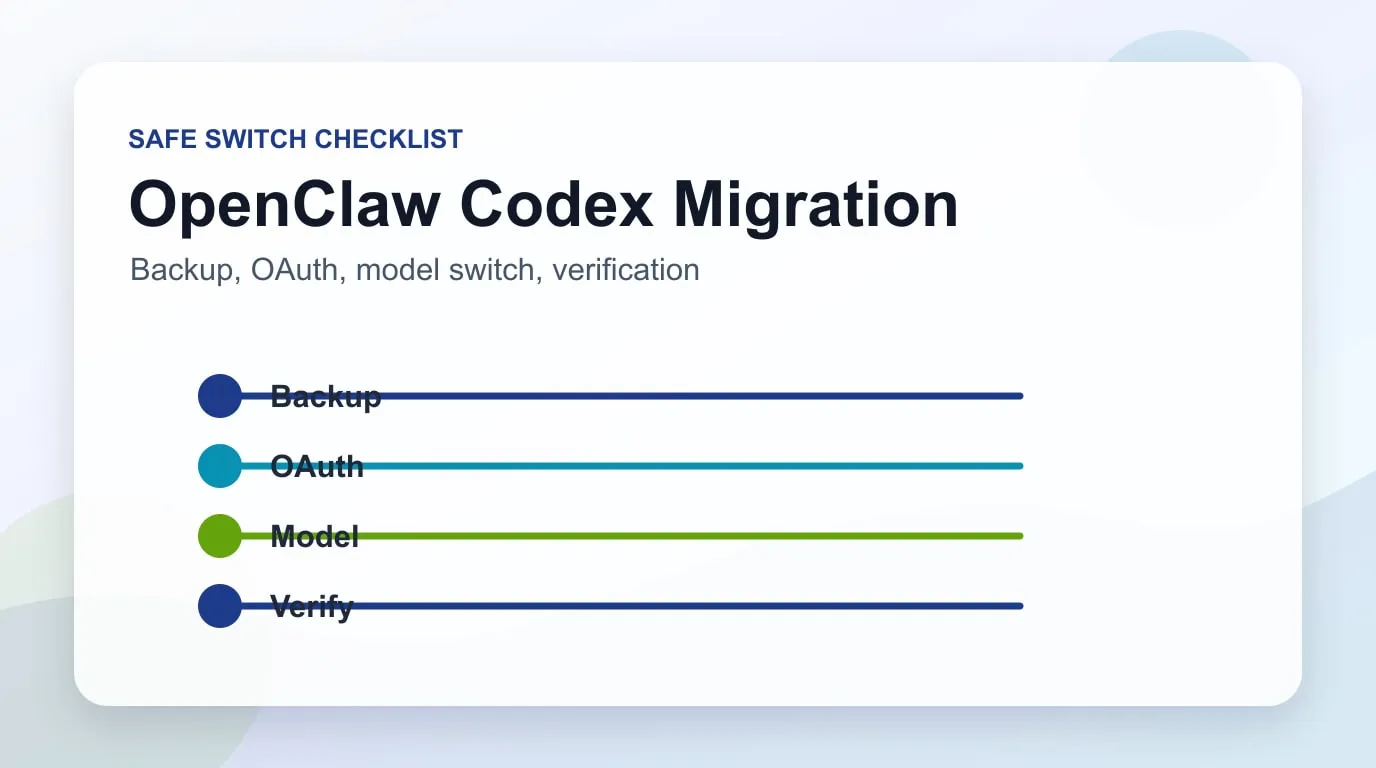
Migration Steps (4 Steps, ~15 Minutes)
This is the community-verified procedure.
Step 1: Backup
Back up your entire OpenClaw configuration first.
cd ~
tar -czf openclaw-backup.tgz .openclaw
This single command captures channel settings, memory, cron jobs, and auth credentials.
Step 2: Run the Onboarding Wizard
openclaw onboard --auth-choice openai-codexThe wizard asks a few questions. Follow the table below.
| Screen | Choice | Why |
|---|---|---|
| ”This is risky” warning | Proceed | It’s informing you about behavioral differences — nothing more |
| Setup mode | Quickstart | Uses defaults for fast setup |
| Existing values | ⚠️ Always choose “Use existing values" | "Reset” wipes your channels, memory, and cron configs |
When the browser opens, log in with your ChatGPT account and authorize.
🔴 Important: Once authorized, close the terminal wizard immediately. Running it to completion with existing settings can trigger unwanted overwrites.
Step 3: Set the Default Model
openclaw models set openai-codex/gpt-5.3-codexStep 4: Verify
openclaw models status --plainIf primary shows openai-codex/gpt-5.3-codex, you’re done.
Removing Anthropic Auth (Optional)
To cleanly remove the previous provider’s credentials:
# Remove fallback models
openclaw models fallbacks clear

# Remove auth order
openclaw models auth order clear --provider anthropic

# Clean environment variables (~/.openclaw/.env)
# Delete: ANTHROPIC_API_KEY=...

# Restart and verify
openclaw gateway restart
openclaw doctor
Per-Agent Model Settings — The Easy-to-Miss Part
This is the most common post-migration mistake. openclaw models set only changes the global default. Any agent with an explicit model override keeps using the old model.
Check agents.list in your openclaw.json:
{
  "agents": {
    "defaults": {
      "model": {
        "primary": "openai-codex/gpt-5.3-codex"  // ← Global (updated)
      }
    },
    "list": [
      {
        "id": "branding",
        "model": {
          "primary": "anthropic/claude-opus-4-6"  // ← Still Claude
        }
      }
    ]
  }
}
Two ways to fix this:
# Option 1: Override per cron job
openclaw cron edit <cron-id> --model "openai-codex/gpt-5.3-codex"

# Option 2: Delete the agent's model block → falls back to global default
For a full switch, deleting per-agent model blocks is the simplest approach.
The Layer Strategy — Community-Recommended Architecture
Instead of going all-in on one provider, the community has converged on a layer strategy that distributes workloads by model strength. AI Agent Framework Comparison 2026: LangGraph vs CrewAI vs Dapr covers multi-agent architecture patterns in more depth.
graph TD
    A[Layer 1<br/>Bulk Tasks] --> D[Local OSS Models<br/>Ollama + LLaMA etc.]
    B[Layer 2<br/>Primary] --> E[OpenAI Codex Sub<br/>Reasoning, Planning, User-Facing]
    C[Layer 3<br/>On-Demand] --> F[Anthropic API Key<br/>Claude-Specific Strengths]

    style A fill:#e8f5e9
    style B fill:#e3f2fd
style C fill:#fff3e0| Layer | Purpose | Model | Billing |
|---|---|---|---|
| Layer 1 | File processing, exploration | Local OSS (Ollama + LLaMA) | Free (electricity only) |
| Layer 2 | Reasoning, planning, user-facing | OpenAI Codex subscription | Monthly |
| Layer 3 | When Claude’s strengths matter | Anthropic API key | Per-token |
The payoff: when a provider changes policy, you update one line in your config — not your entire workflow.
What to Expect After Switching
Common observations from users who’ve made the switch:
- Prompt tuning is unavoidable: Budget a few days to adjust
SOUL.mdandAGENTS.mduntil things stabilize - Code and tool use are noticeably stronger: Codex delivers measurably better results for code generation and tool calls
- Natural writing takes a step back: Essays and social media posts feel less polished compared to Claude
- Stability is a real advantage: OAuth auth is reliable, and you can run agent loops without tracking token burn
If You Want to Keep Claude
The API key approach works independently of ToS restrictions on subscription OAuth.
openclaw onboard --auth-choice anthropicGenerate an API key at console.anthropic.com and pay per token. For Opus agent loops, monthly costs frequently exceed $100 — keep an eye on usage.
Comparison at a Glance
| Aspect | Claude Sub OAuth | Codex Sub OAuth | Claude API Key |
|---|---|---|---|
| ToS Risk | ⚠️ Uncertain | ✅ Explicitly allowed | ✅ Legal |
| Monthly Cost | Subscription | Subscription | Usage-based |
| Writing Quality | ⭐⭐⭐ | ⭐⭐ | ⭐⭐⭐ |
| Code/Tools | ⭐⭐ | ⭐⭐⭐ | ⭐⭐ |
| Migration Effort | — | Easy (~15 min) | Easy |
The most important takeaway: don’t lock yourself into a single provider. OpenClaw’s config-driven architecture lets you swap providers with minimal friction — use that to your advantage. If you’re still choosing between AI coding tools more broadly, Cursor 3 vs Claude Code vs Windsurf is worth reading alongside this guide.
References
Was this helpful?
Your support helps me create better content. Buy me a coffee.
Related Articles
-
OpenClaw Installation to First Conversation — Complete Tutorial
Covers the initial OpenClaw setup and channel connection flow before migrating models.

-
Supercharge OpenClaw — 8 Advanced Real-World Use Cases
Helps extend the migration into advanced operations such as cron, MCP, and multi-agent patterns.
-
Fixing OpenClaw Dev Update Error: unknown command 'doctor'
Covers OpenClaw update and doctor errors, useful for resolving operational issues during migration.